On this page
Your Shopify store isn't performing the way you'd like, and you're wondering whether it's time to start over. A full Shopify store redesign can feel like a fresh start. But it's also a bigger project, with more risk, than fixing the specific things that aren't working.
Neither option is always right. This guide will help you work out which one your store needs, what to check before deciding, and how to protect what's already working.
Signs That Focused Improvements May Be Enough
If the store's overall structure and look still suit your business, targeted fixes are often the better choice. Signs include:
- Unclear product descriptions that leave shoppers asking the same questions about sizing, materials, or delivery.
- Weak calls to action, such as buttons that blend in or say little about what happens next.
- Isolated navigation problems, like a confusing menu label or a missing collection, rather than a structure that's wrong throughout.
- A few slow pages caused by heavy images or unused apps.
- A dated homepage while product and collection pages work reasonably well.
For example (hypothetical), a skincare store whose shoppers keep asking which product suits which skin type may simply need clearer descriptions and a short comparison section, not a new design. Our list of seven signs your Shopify store is losing sales covers many of these targeted fixes in detail.
Signs That a Redesign May Be Appropriate
A broader redesign starts to make sense when problems are widespread or built into the store's foundations:
- Mobile usability issues across most pages, not just one or two.
- A site structure that no longer fits your catalog, perhaps because you've added product lines the original collections and menus were never planned for.
- A design that no longer represents your brand or the customers you now serve.
- A theme that's outdated or heavily patched, where every small change risks breaking something else.
- Fixes that keep failing because each one fights the theme's limitations.
Use Evidence Before Deciding
The decision is easier, and less risky, when it's based on evidence rather than a feeling that the store looks tired.
- Analytics: look at where shoppers drop off. Are many leaving product pages without adding to cart, or abandoning at checkout? Compare mobile and desktop behavior separately.
- Customer feedback: reread support emails, reviews, and questions. Repeated confusion about the same thing points to a specific fix.
- Usability reviews: watch a few people who don't know your store try to find and buy a product, ideally on their phones. Note where they hesitate.
If the problems cluster in a few places, targeted improvements are likely enough. If they appear everywhere, a redesign deserves serious consideration.
Low Sales Don't Automatically Mean a Design Problem
It's tempting to blame the design when sales are disappointing. But low sales can have many causes that a new look won't fix:
- Traffic from people who aren't likely to buy
- Prices, shipping costs, or delivery times that don't compete well
- Seasonal patterns or changes in demand
- Product-market fit or limited stock
- Tracking problems that undercount real sales
Before committing to a redesign, check these possibilities. Otherwise you might spend time and money rebuilding the store and see the same results.
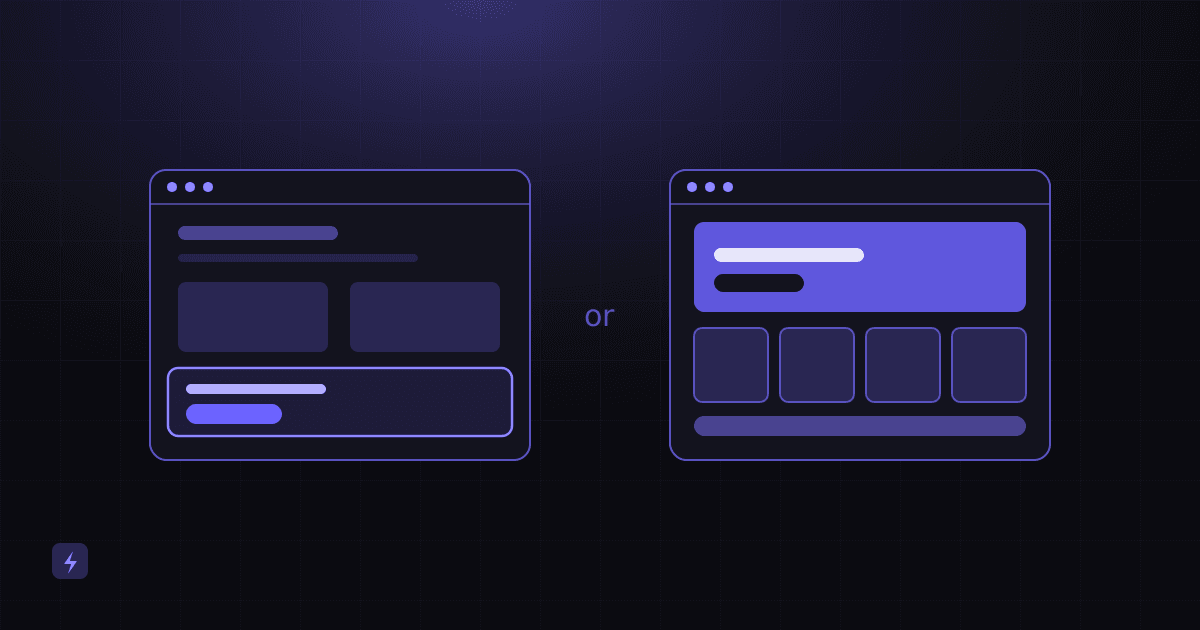
Redesign vs Improvements at a Glance
How Scope, Budget, Goals, and Disruption Shape the Choice
Four practical questions often settle the decision:
- Scope: how much of the store actually needs to change?
- Budget: can you fund a redesign properly, including testing, or would a series of smaller improvements be more realistic?
- Business goals: are you entering new markets, adding product lines, or repositioning the brand? Bigger shifts often justify a redesign.
- Disruption: can you handle a larger change during your busy season, or should major work wait for a quieter period?
A phased approach is also an option: fix the most urgent problems now, and plan a redesign later once you have better data. For budget factors, see our guide to Shopify development costs.
Protect What's Already Working
Whatever you choose, avoid breaking things that already work. That includes:
- Working features: apps, integrations, discount setups, and custom sections customers rely on.
- Search visibility: keep URLs the same where possible, set up redirects for any that change, and preserve page titles, descriptions, and content that ranks.
- Measurement: confirm analytics, ad pixels, and conversion tracking still work after changes, so you can compare before and after.
A safer way to work is on a duplicate copy of your theme, which can be edited and previewed before it's published. Keep in mind that a duplicate only separates theme design and settings. Products, menus, and app settings are shared with the live store, so changes to those still need care.
How to Measure Results
Record your starting point before making changes: conversion rate, add-to-cart rate, checkout completion, mobile versus desktop behavior, and key pages' speed. Then:
- Compare similar periods, allowing for seasonality and promotions.
- Change one area at a time where possible, so you can see what made a difference.
- Watch customer questions and feedback, not just numbers.
- After a redesign, monitor search traffic and fix broken links or missing redirects quickly.
A Quick Decision Checklist
- Have you identified specific problems using analytics, feedback, or usability testing?
- Are the problems limited to a few areas, or spread across the store?
- Have you ruled out causes outside the design, such as pricing, traffic quality, or tracking?
- Does the current theme and structure still fit your catalog and brand?
- Do you have the budget and time for a redesign, including testing?
- Do you have a plan to protect URLs, SEO, tracking, and working features?
- Have you recorded baseline numbers so you can measure results?
Talk to Flasin About Your Store
Flasin's Shopify development service covers both store redesigns and targeted improvements, such as product pages, navigation, and performance. Redesign work keeps what already works, uses a duplicate theme where practical, and is reviewed with you before anything goes live. For conversion work and tracking on their own, see our digital marketing services.
If you're starting from scratch instead, read what a professional Shopify store setup includes. Otherwise, get in touch to talk through what your store needs next.